
Hexal
D&D Hex Crawl Campaign Manager
v1.5.2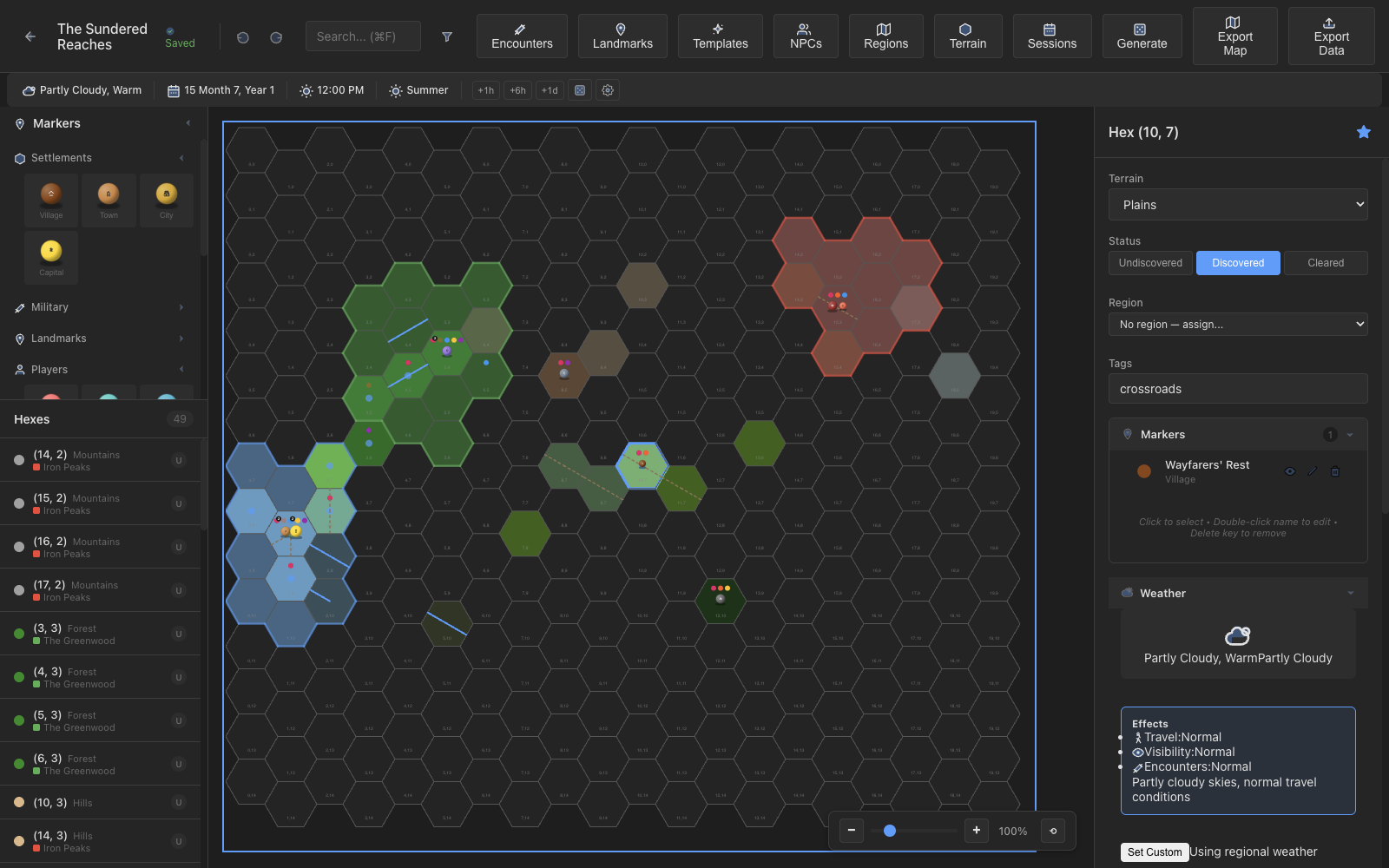
D&D Hex Crawl Campaign Manager
v1.5.2
From terrain painting to encounter tracking, Hexal handles the bookkeeping so you can focus on storytelling.
Canvas-rendered hex map with 10 terrain types, LOD zoom system, and smooth pan/zoom navigation.
Place draggable figurine-style markers for settlements, dungeons, players, and custom tokens on the map.
Draw hex-edge connections for rivers and roads that render on the grid and affect travel costs.
Full encounter editor with creature rosters, rewards, difficulty ratings, outcomes, and reusable templates.
Track NPCs with alignment, attitude, faction membership, relationships, and cross-hex references.
Each hex holds locations, encounters, NPCs, treasures, and clues with resolve tracking.
Generate terrain, encounters, and landmarks from configurable tables with seeded PRNG for reproducibility.
Define named regions with color borders, hex assignments, descriptions, and discovery status.
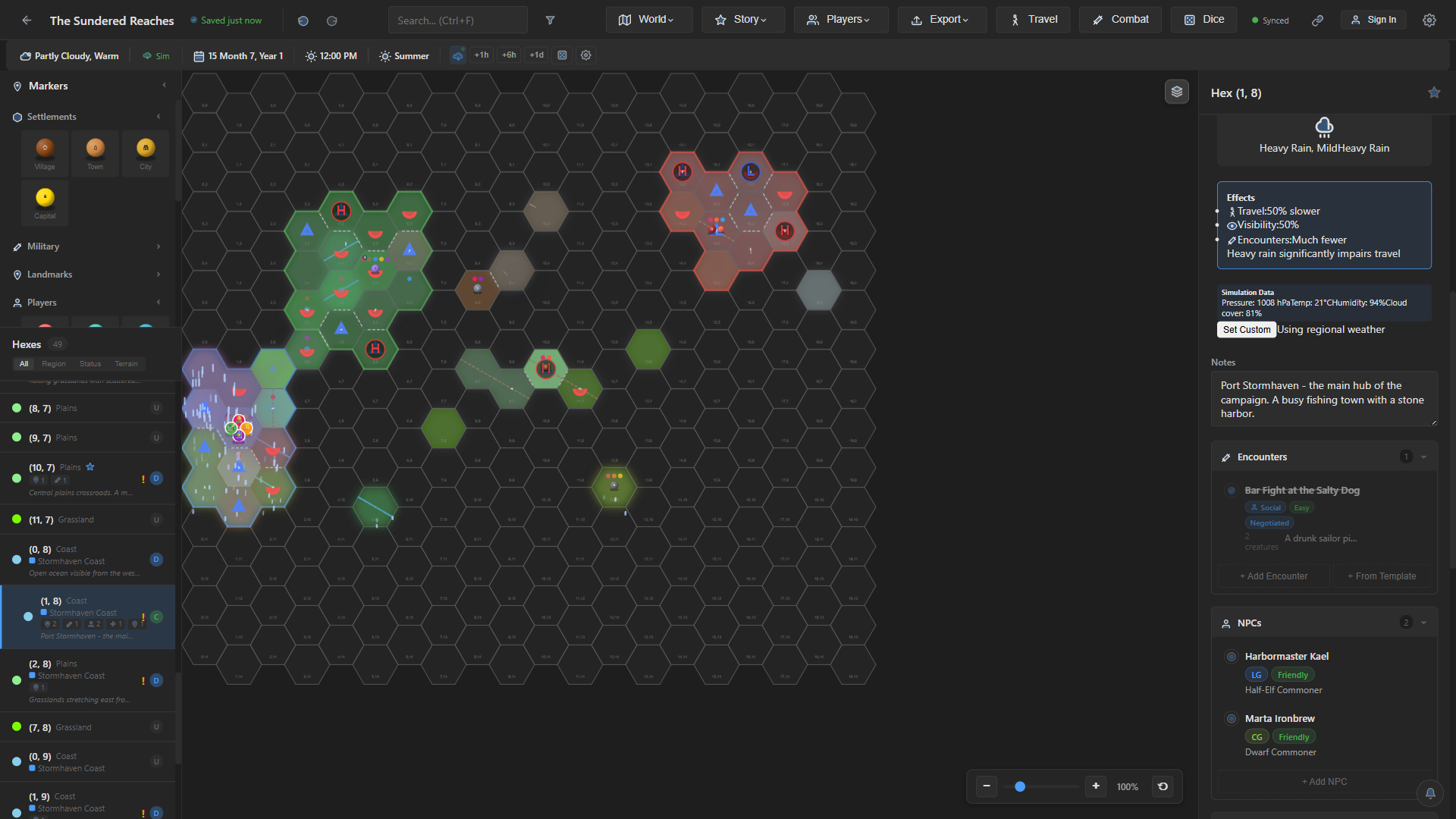
Real-time weather radar with pressure systems, isobars, fronts, cloud cover, rain/snow particles, lightning, and ambient audio that shifts with zoom altitude.
Second window showing a fog-of-war filtered map safe to share on a screen visible to players.
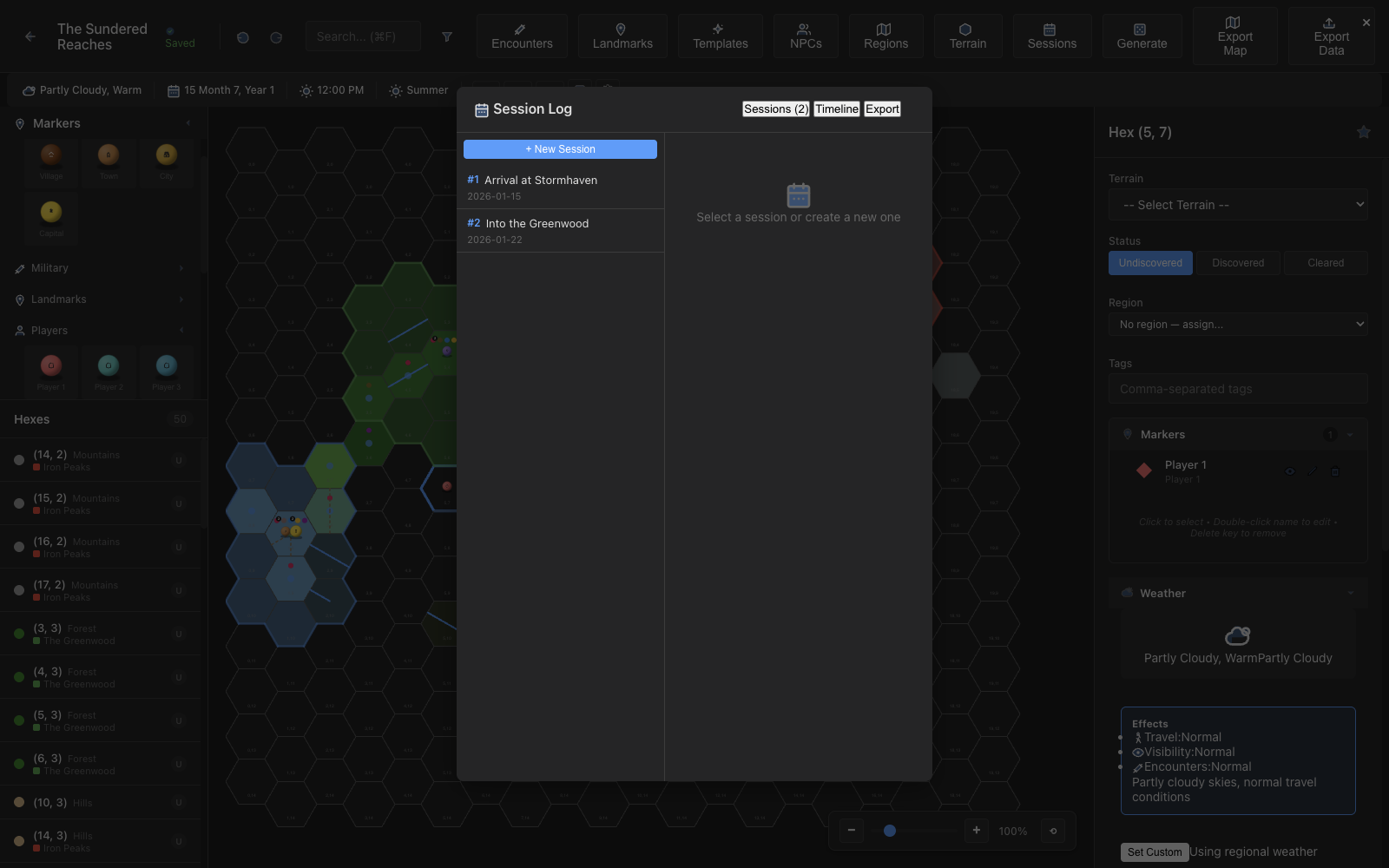
Timeline-based session logging with tags, in-game timestamps, and per-hex event tracking.
Export your map to PNG, JPEG, or PDF with print-ready and player handout presets.
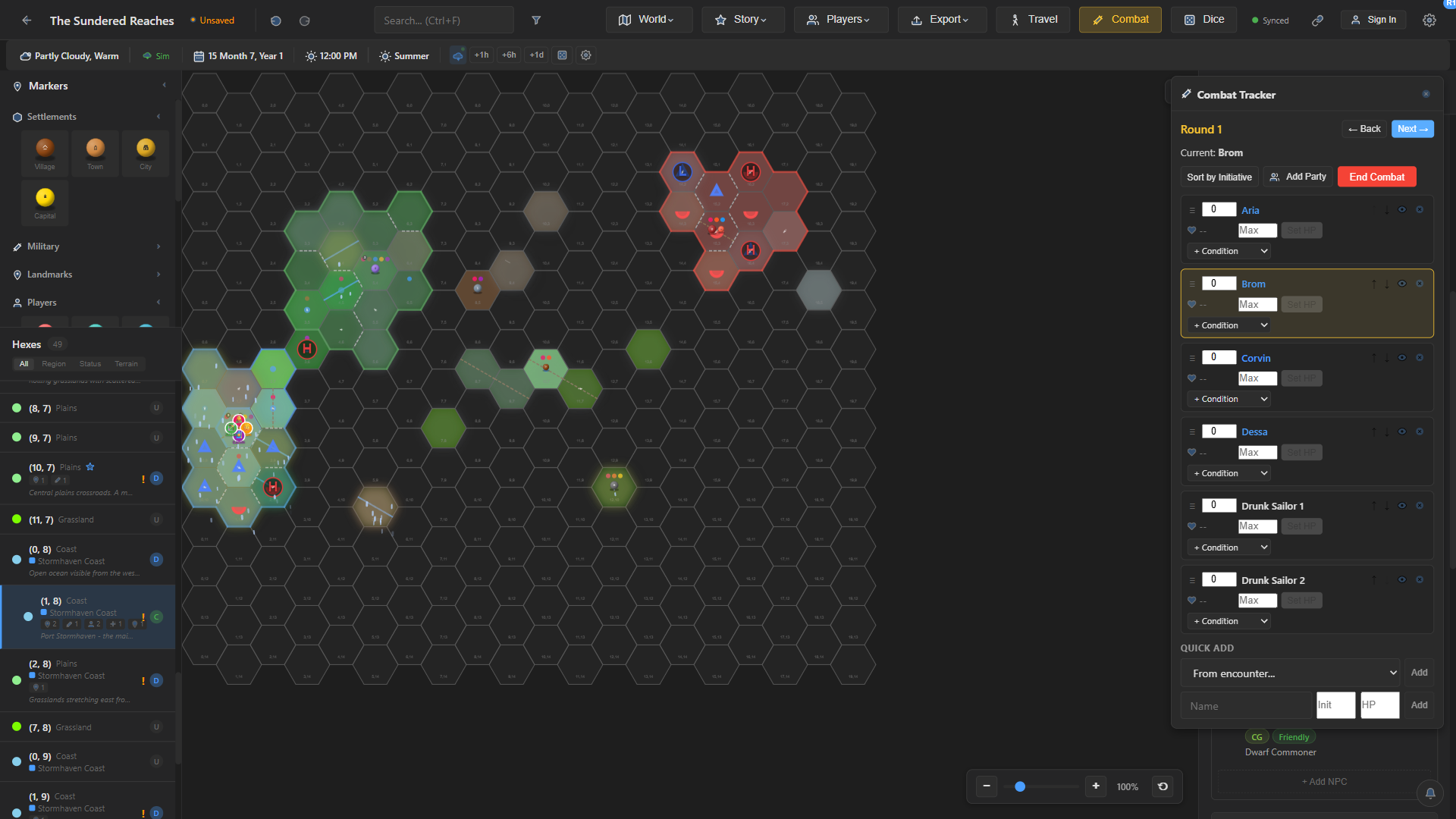
Initiative order, HP, conditions, and rounds. Add the party and an encounter's creatures in one click, and players see the turn order live.
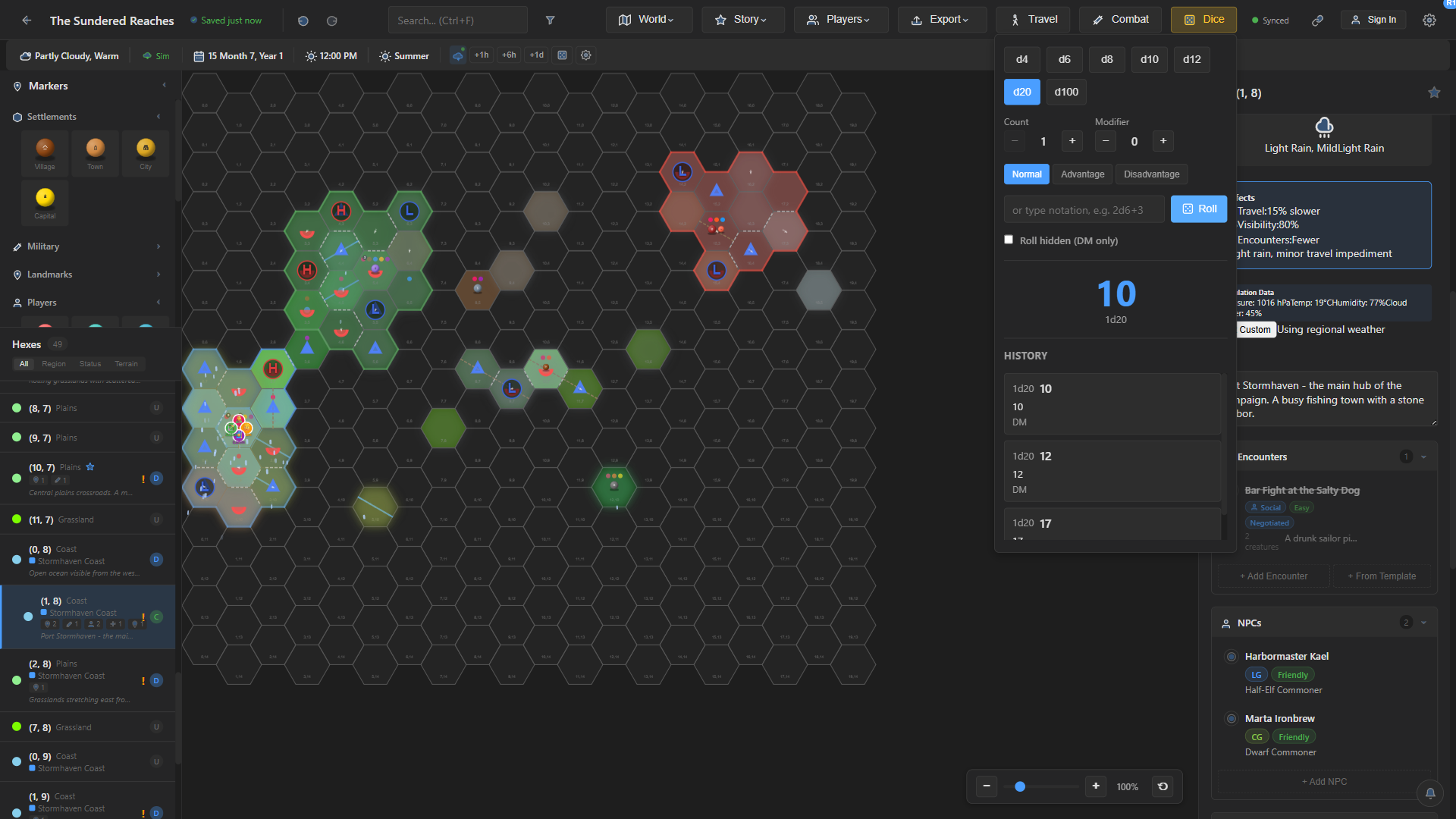
Roll standard notation with advantage and disadvantage. Rolls are shared with every player view, and the DM can roll in secret.
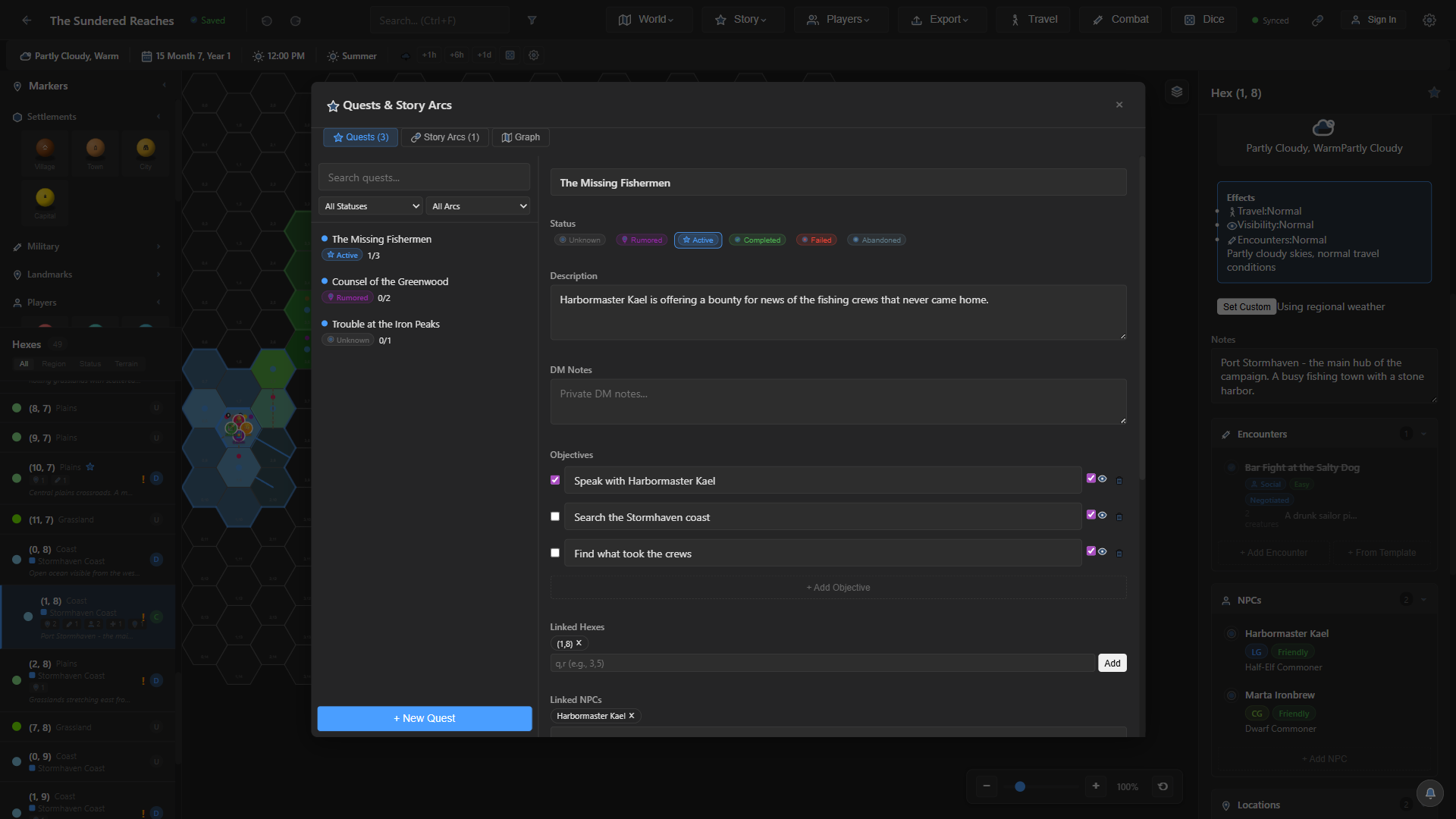
Track quests with objectives, status, and prerequisites, link them to hexes and NPCs, and group them into story arcs.
Party tokens on the map, route planning across passable terrain, step-by-step movement with discovery, and a travel log.
Players join from any browser on your network with a PIN, on laptops, tablets, or phones, and receive messages and encounter reveals live.
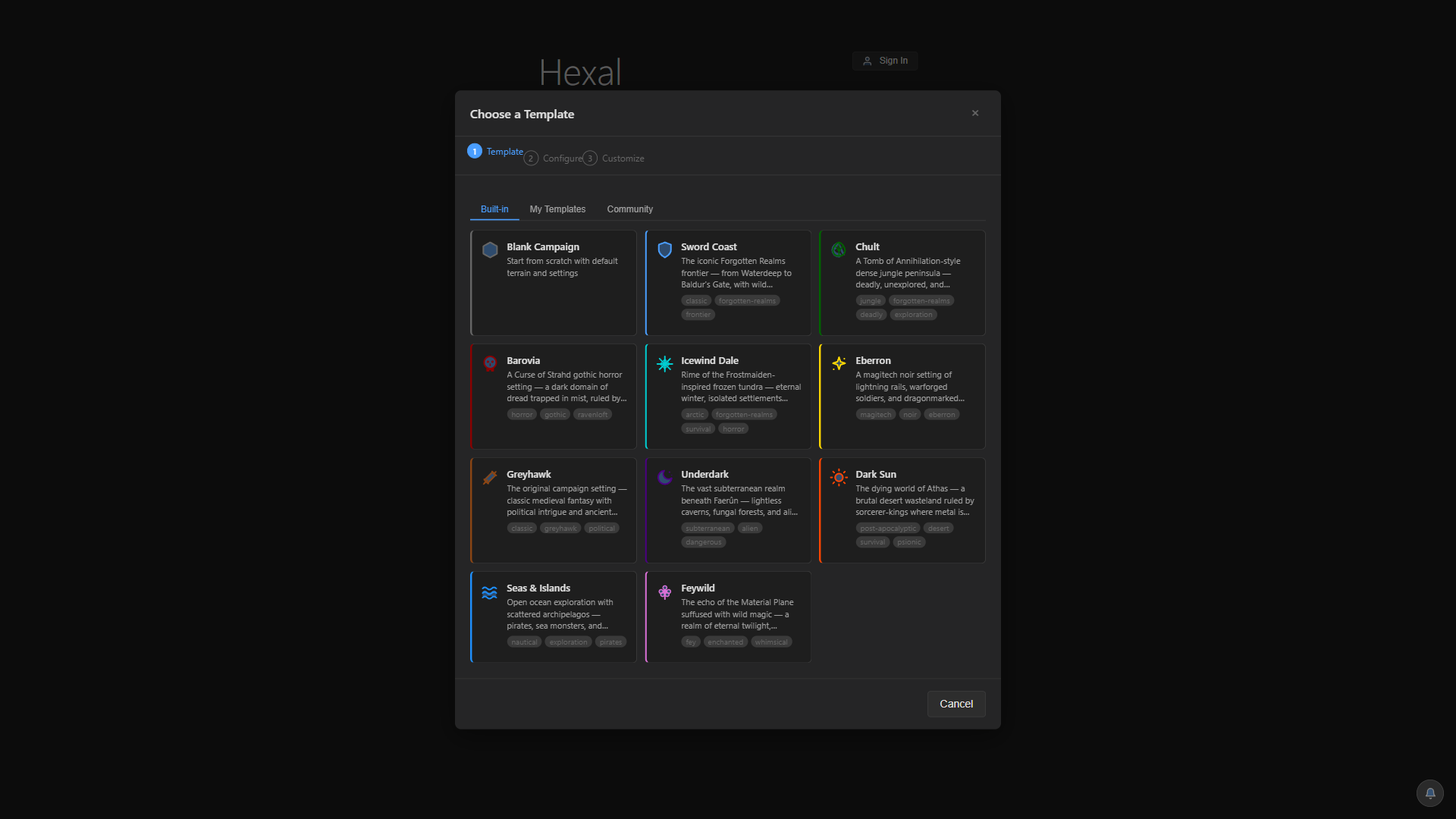
Start from ten ready-made settings with their own terrain, encounter tables, factions, and regions, or build and share your own.
Screenshots from a real campaign built in Hexal.
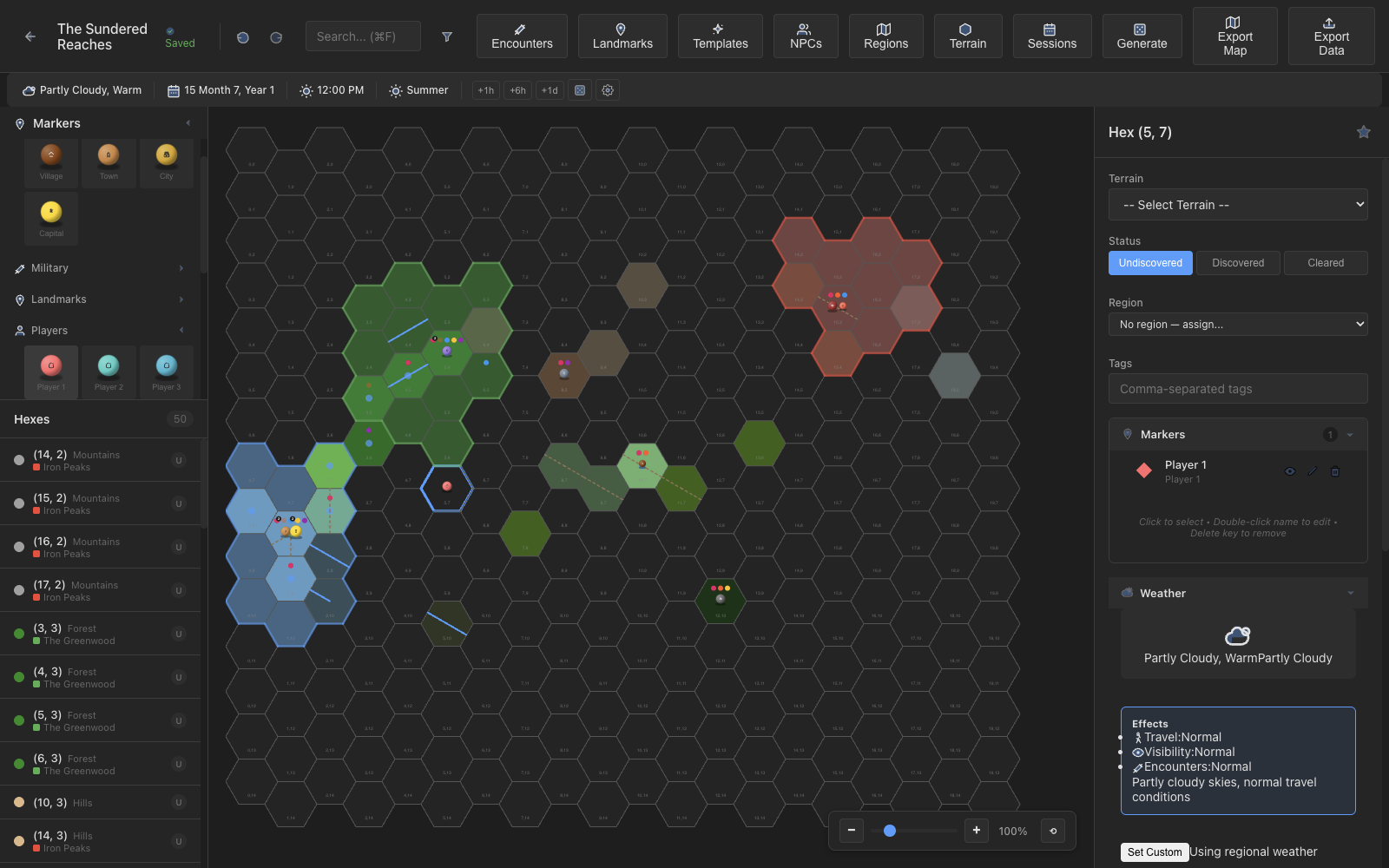
The main editor puts everything at your fingertips: a filterable hex list in the sidebar, the canvas map in the center, and a detail panel on the right showing all content for the selected hex.
Build encounters with creature rosters, difficulty ratings, linked NPCs, and detailed rewards. Track outcomes as your campaign unfolds, or create reusable templates for random encounters.
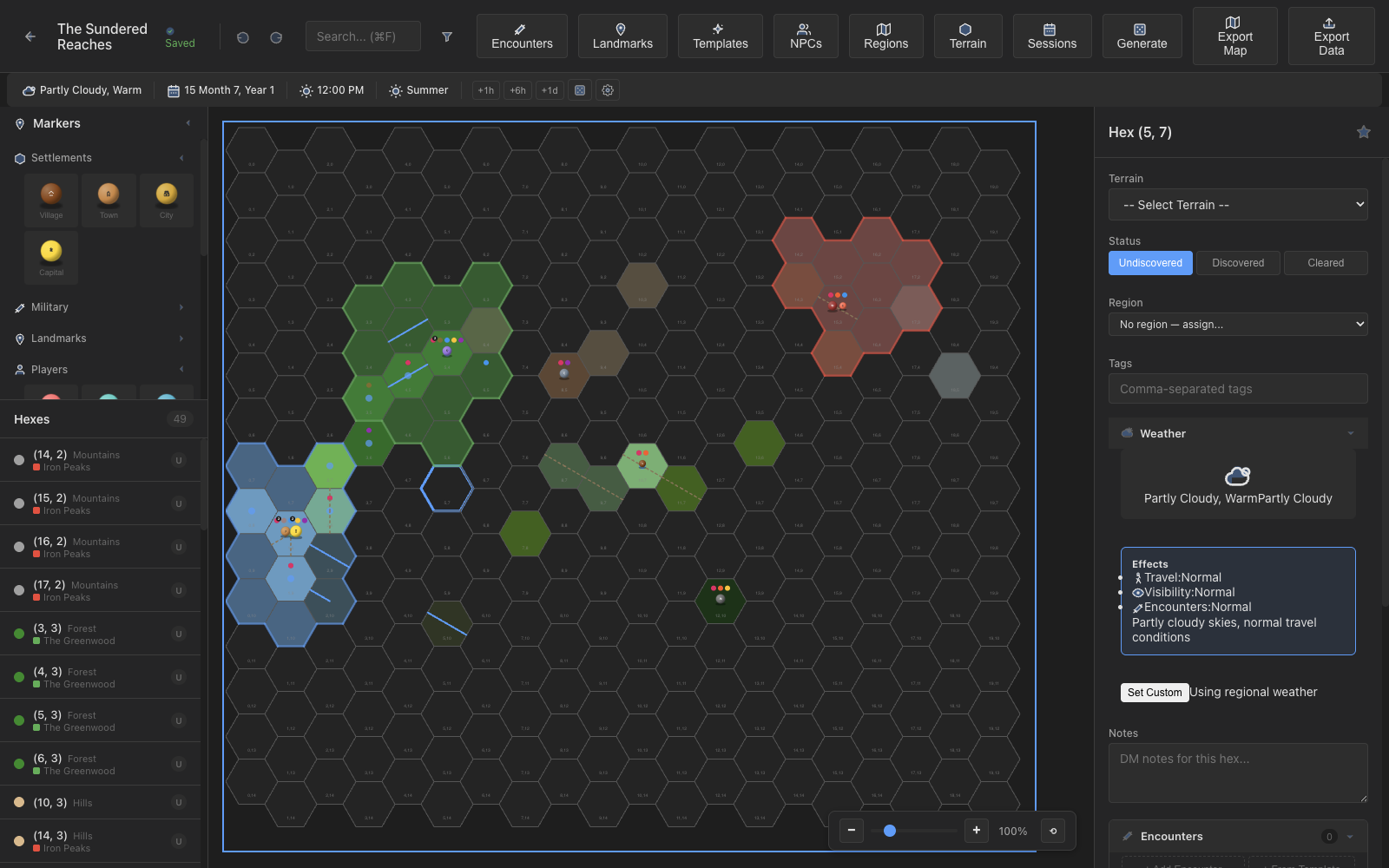
Every NPC tracks race, class, alignment, attitude, faction membership, and relationships to other NPCs across the map. The NPC Directory gives you a bird's-eye view of your cast of characters.
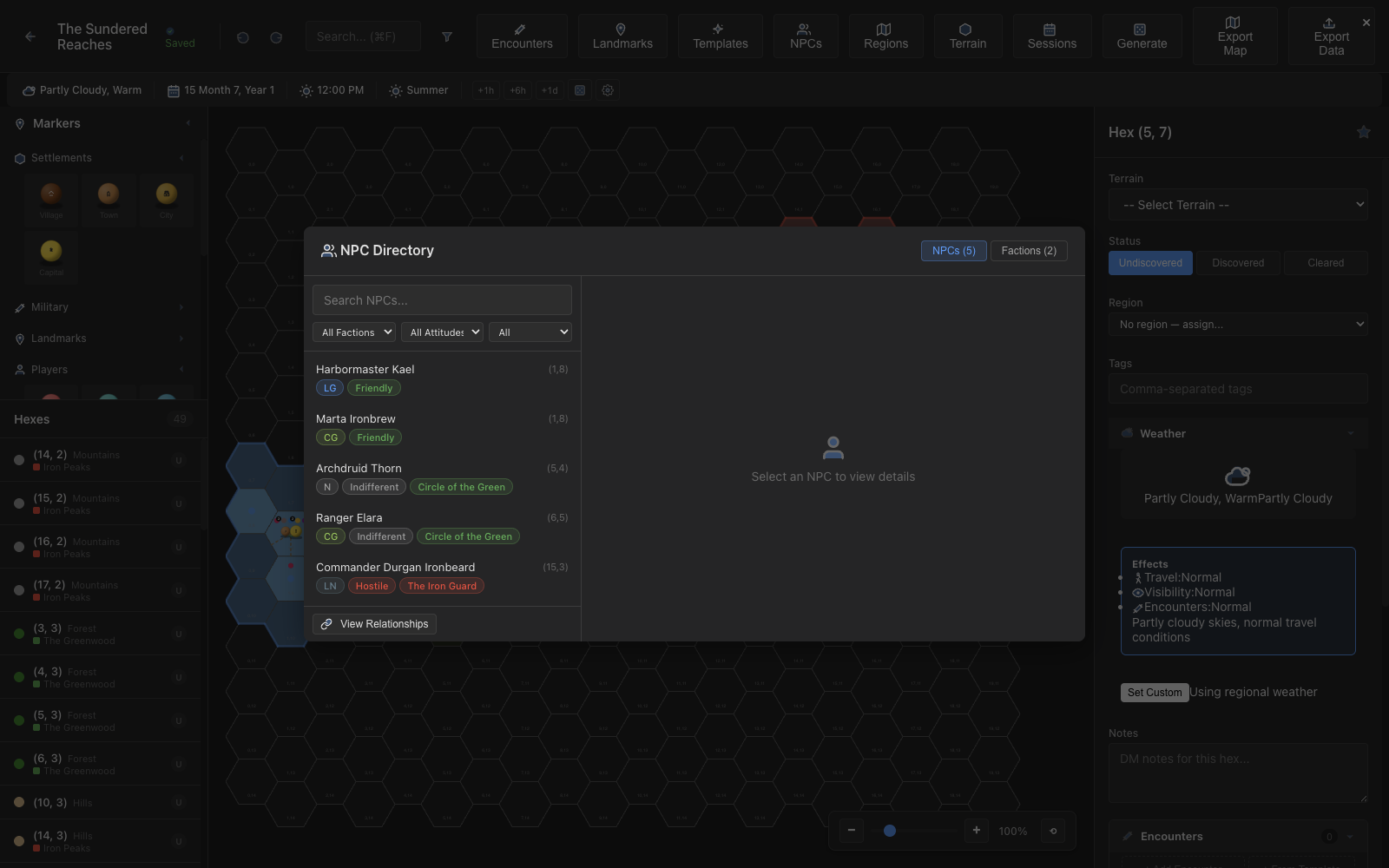
Generate terrain, encounters, and landmarks across your grid using configurable density sliders and terrain tables. A seeded PRNG ensures you can reproduce the same results.
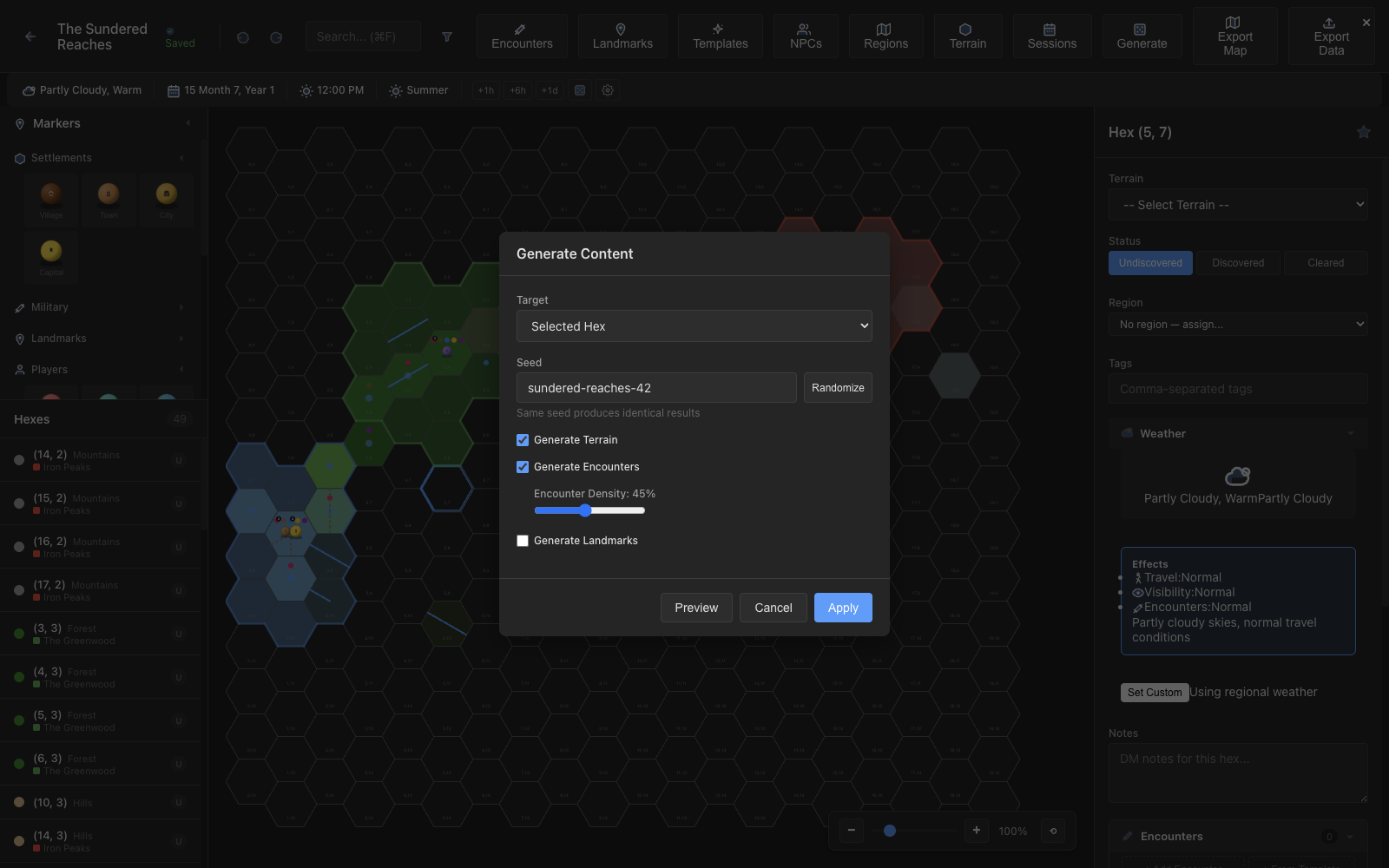
Start a new campaign from a blank map or one of ten ready-made settings, from the Sword Coast to the Underdark. Each comes with its own terrain, encounter tables, factions, and regions, and you can save and share your own.
Keep every thread in one place: objectives you can tick off, status from rumored to completed, prerequisites between quests, and links to the hexes, NPCs, and encounters involved. Story arcs group quests into the bigger picture.
Start combat and the party joins automatically. Quick-add an encounter's creatures, set initiative, track HP and conditions, and step through turns while players follow along on their own screens.
A live weather simulation moves pressure systems, fronts, clouds, and precipitation across your map. Turn on the layers you want, and let the weather shape travel and encounters.
Pick a die or type notation like 2d6+3, roll with advantage or disadvantage, and keep a shared history. Hidden rolls stay with the DM.
Open a second window that shows only discovered hexes, with fog of war hiding DM-only content. Perfect for streaming or projecting onto a second screen at the table. Players can also join from their own devices through the web player.
Log events as they happen during your sessions, tagged by type and linked to specific hexes. Review the full timeline to recall what happened and when.
A modern desktop stack for performance and reliability.
Download, create a campaign, and start exploring.
Click "New Campaign", pick a blank map or one of ten ready-made settings, name your world, and you're ready to go.
Paint terrain, place markers, add encounters and NPCs, then generate content to fill in the gaps.